Make your devices feel like helpful friends.
Smartphones, email, video calls, photos, and the everyday apps that keep you connected to the people and services you love — taught patiently, on your own device.
Skills you'll actually walk away with
Hover each skill for the details. Every one is practiced hands-on until it sticks.
Course roadmap
Click each module to see what's inside.
- What every button, icon, and setting actually does
- Wi-Fi, charging, and updates without fear
- Making text bigger and screens easier to see
- Writing, replying, forwarding, and attachments
- Group texts and family photo threads
- Spotting junk mail before it wastes your time
- Starting and answering calls on any app
- Sound and camera fixes that solve 90% of problems
- A weekly call with family as your homework
- Taking better pictures instantly
- Finding that photo from last Christmas
- Sharing albums with family
- Online banking and bill pay, step by step
- Telehealth appointments made simple
- Maps, weather, and news you can trust
- You drive — we watch and cheer
- Your personal cheat sheet, built together
- Graduation and what to learn next
Who this class is for
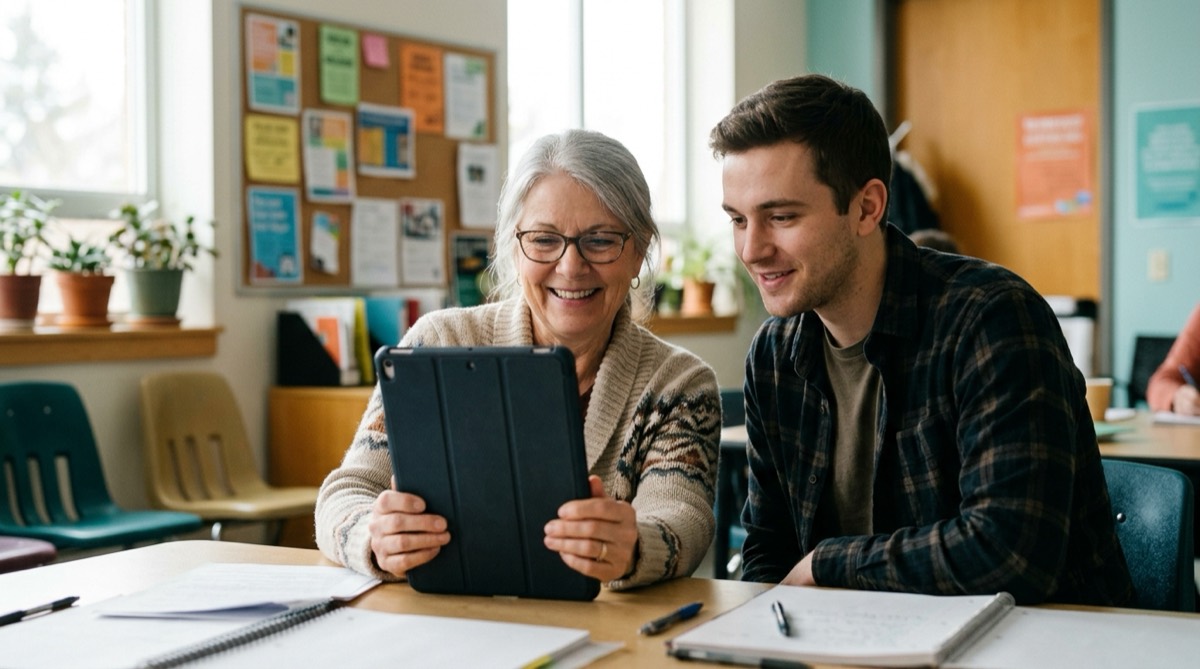
Adults and seniors who feel unsure with a phone, tablet or computer, and anyone who is tired of asking family for help. No experience is needed.
What a session looks like
Six weekly sessions, 90 minutes each. You practice on your own device with an instructor beside you, and each session builds a skill you can use that week.
What to bring
Your phone, tablet or laptop. If you need a device, tell us when you book and we will arrange one.
Online or onsite?
Both. Classes run online and onsite in the Portland metro area, with six learners at most and a human instructor beside you. Classes on the northern Oregon Coast can be planned with advance notice.
What does it cost?
Pricing is being finalized for our launch cohort. Join the interest list for founding-member rates. The free consultation (about 20 minutes, in person or by phone) and the Saturday intro workshop cost nothing.
Your instructor
Steven H.
Steven founded Digital Bridge Academy on a simple belief: nobody is "bad with computers" — they've just never been taught with patience. He's happiest the moment a learner says "wait… that's it? I can do that."
From past learners
I swore I was hopeless. Two weeks in, I video-called my granddaughter in Denver by myself.
The pace was perfect. Nobody rushed me, and now the phone feels like mine instead of my kids' hand-me-down mystery.
Your seat is waiting.
Classes are small on purpose — tell us you're interested and we'll hold your place with zero obligation.
Book a free consultation