Walk in saying “yes, I can do that.”
Documents, spreadsheets, professional email, and online applications — the exact skills employers expect on day one, built with local employers' real requirements.
Skills you'll actually walk away with
Hover each skill for the details. Every one is practiced hands-on until it sticks.
Course roadmap
Click each module to see what's inside.
- Files, folders, and never losing your work again
- Keyboard shortcuts that save hours
- Working in both Microsoft Office and Google Workspace
- Formatting, templates, and professional layouts
- Letters, forms, and reports for real jobs
- Sharing, printing, and PDFs
- Rows, columns, sorting, and filtering
- Totals and simple formulas — no fear
- Real workplace scenarios, practiced
- Email etiquette that gets responses
- Calendars, invites, and scheduling
- Workplace chat tools (Slack & Teams basics)
- Your experience, translated into employer language
- Using AI as your honest writing partner
- A finished resume, reviewed and polished
- Online applications and job boards
- Uploading, portals, and follow-ups
- Video interview practice with real feedback
Who this class is for
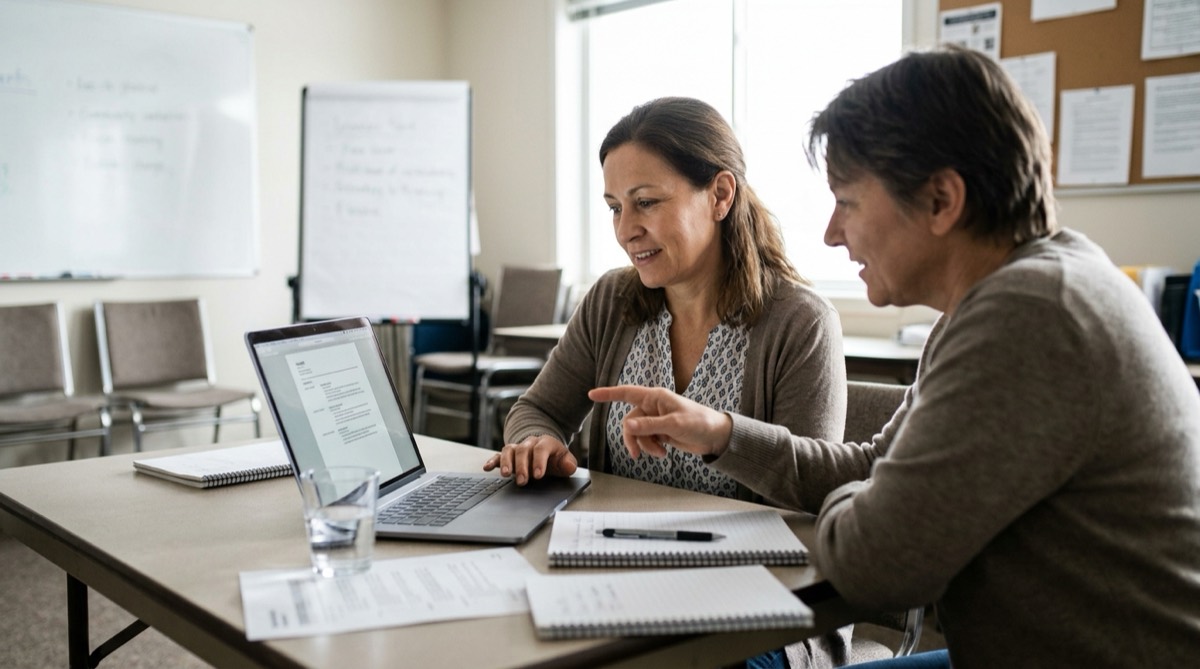
Beginners, job seekers and career changers who need the computer skills employers expect: documents, spreadsheets, email and online applications.
What a session looks like
Eight weekly sessions, 2 hours each, 16 hours in total. You finish with a reviewed resume and practice on a video interview.
What to bring
A laptop if you have one. If you need a device, one is provided during sessions.
Online or onsite?
Both. Classes run online and onsite in the Portland metro area, with six learners at most and a human instructor beside you. Classes on the northern Oregon Coast can be planned with advance notice.
What does it cost?
Pricing is being finalized for our launch cohort. Join the interest list for founding-member rates. The free consultation (about 20 minutes, in person or by phone) and the Saturday intro workshop cost nothing.
Your instructor
Steven H.
Steven founded Digital Bridge Academy on a simple belief: nobody is "bad with computers" — they've just never been taught with patience. He's happiest the moment a learner says "wait… that's it? I can do that."
From past learners
Twenty-two years in a warehouse, zero computer skills. Eight weeks later I had a resume, a professional email, and an interview.
Your seat is waiting.
Classes are small on purpose — tell us you're interested and we'll hold your place with zero obligation.
Book a free consultation